Review a Report
Opening a report shows you the finished report in Stella. You don't need to download anything or open a spreadsheet to read it — though you still can, if that's where you'd rather work.
Open the report
Click the report in your Report List. It opens as a full page.
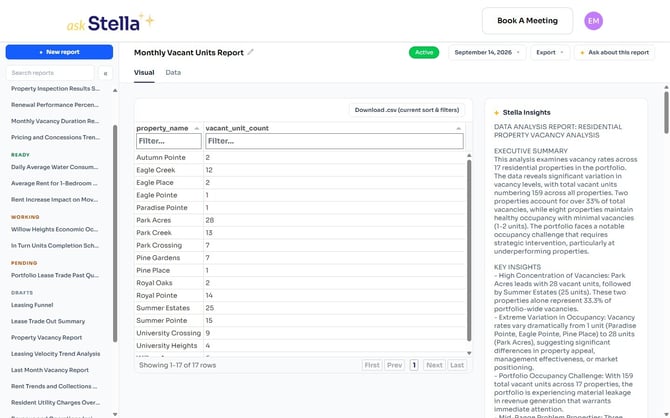
The report itself sits on two tabs — the Visual tab for the overview and the Data tab for every row behind it — with Stella's written analysis alongside.
Good to know
"Visual tab" and "Data tab" always mean the tabs inside Stella. If you also open the report as a Google Sheet, that spreadsheet has its own Summary and Data worksheets — see Reading the report in Google Sheets below.
Spotting what's new
Reports that run on a schedule build up a version each time they run. In the panel on the right, every version is listed newest first, and anything you haven't opened yet carries a red New marker. The heading counts how many versions exist in total.
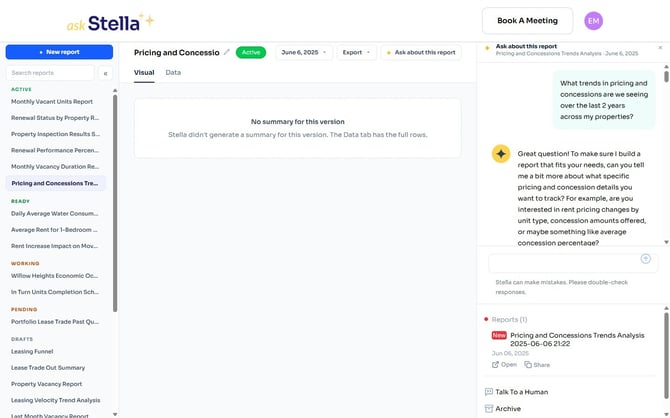
Reading an earlier version
The date button at the top of the page lists every version. The one you're reading is marked showing.
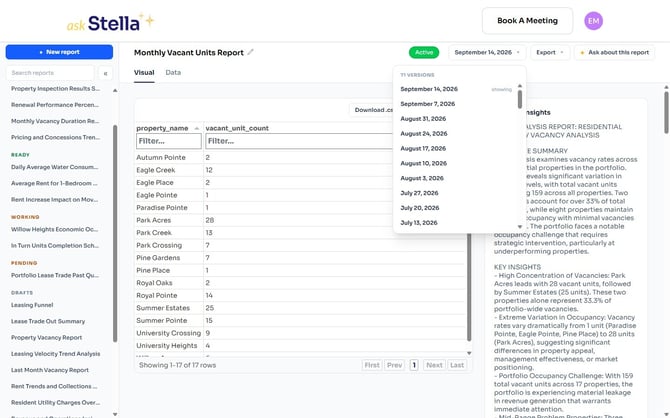
Choosing a date opens that version, and everything on the page follows it — the figures, the analysis and the export options. An older version keeps the numbers it was produced with; it isn't recalculated using today's data.
Reading the report in Google Sheets
If you'd rather work in a spreadsheet, click Export and choose Open in Google Sheets.
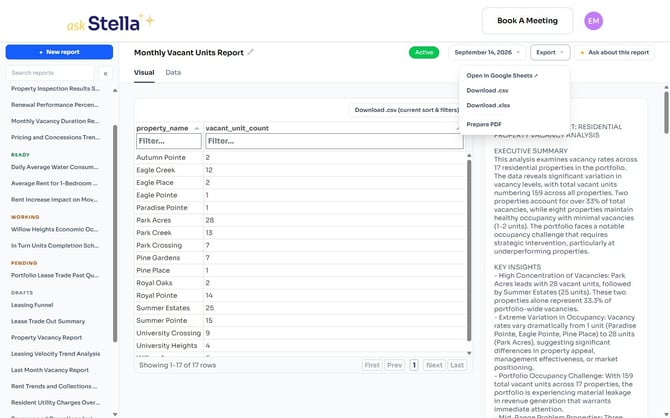
You don't need a Google account to read it.
Not every version has a spreadsheet. Where one wasn't created, Open in Google Sheets appears greyed out — use the CSV, Excel or PDF options instead, which carry the same figures.
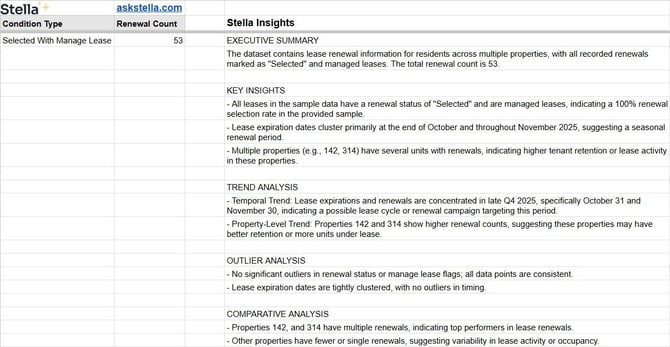
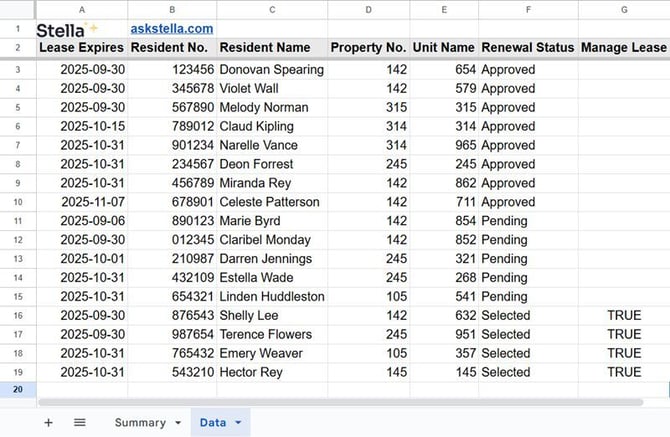
The spreadsheet is organised into two worksheets, shown as tabs along the bottom:
Summary — the condensed report, with Stella's written analysis in its own column: key insights, trend and outlier analysis, comparisons, recommendations, and the limits of what the analysis can tell you.
Data — every row the report is built from.
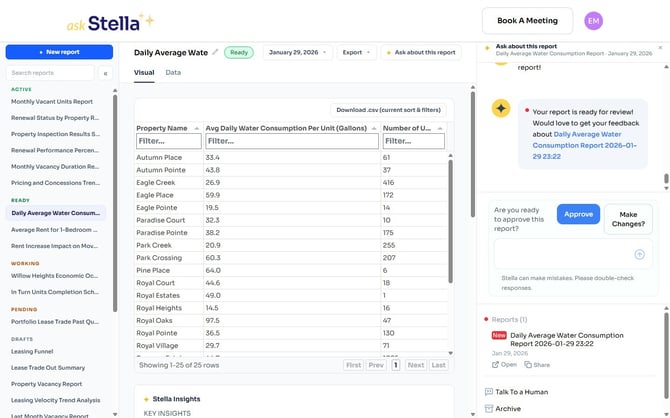
If the report is waiting for your review
A report with a Ready status has produced a version that needs your say-so before it goes live. Open it, read it, then use the chat drawer to approve it or ask for changes.